How I run a UX audit with Claude
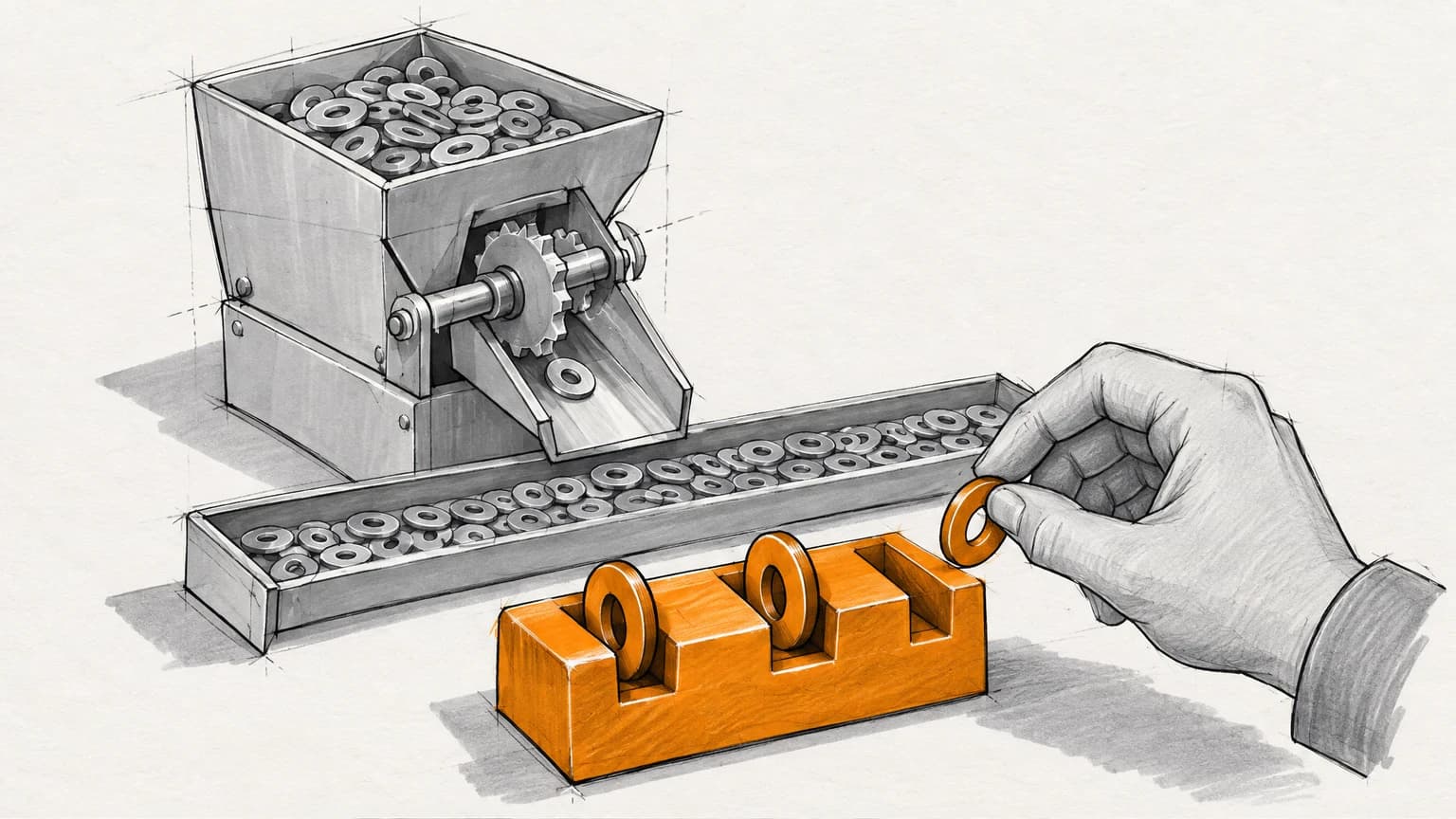
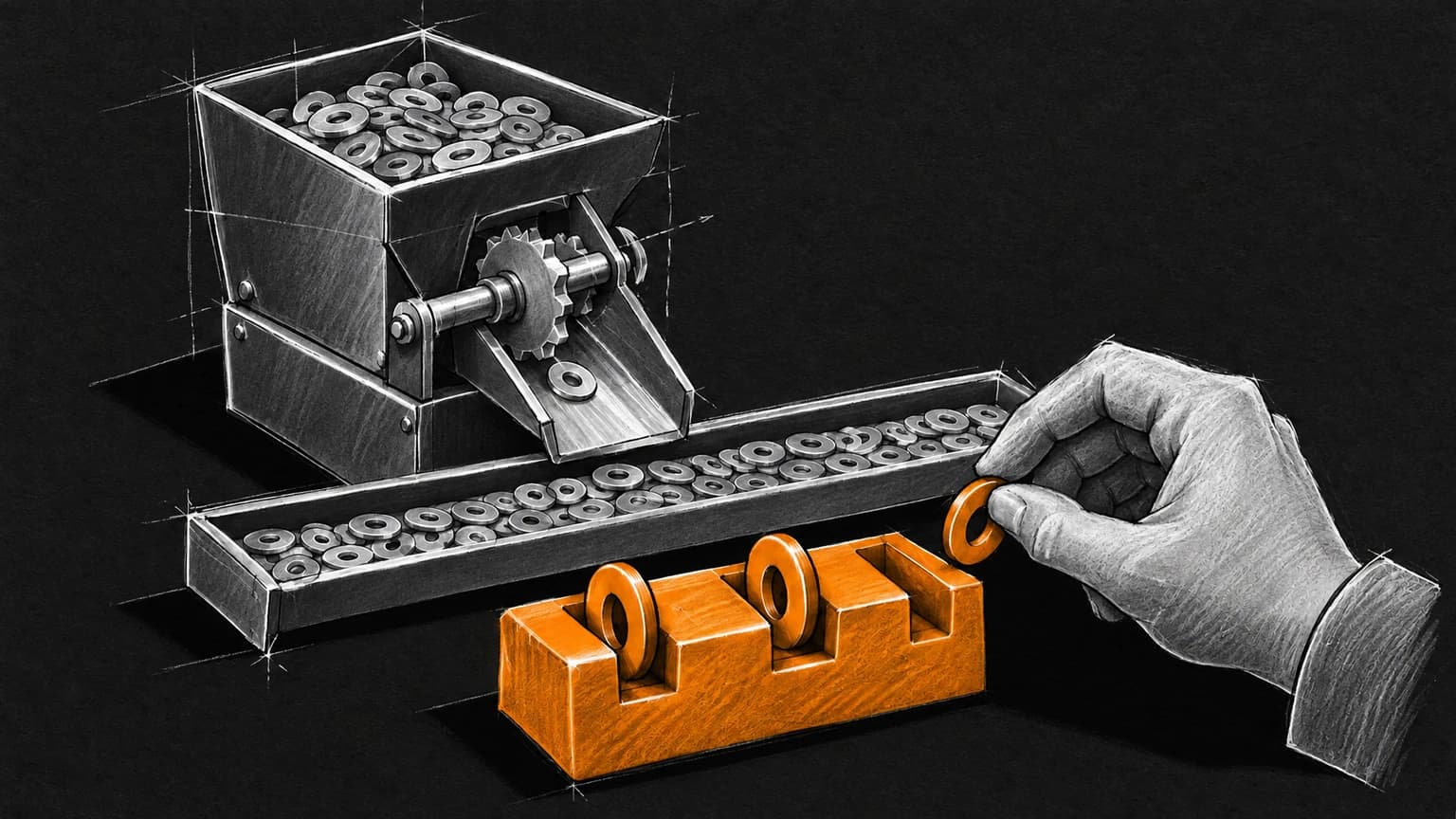
Claude does the finding; I do the deciding. It writes the scan that inventories the product, drives the product through its real flows, and writes up everything it saw. Then a person decides which of those findings matter and what to fix first, and that decision is the audit. The findings are free. The priorities are what a client pays for, and they're the part no model produces yet.
I sell this — $6,000, fixed scope, two to three weeks, a written result — so the number is an interested one. The method isn't secret, and most of it is small enough to write down here.
Why the counting had to become free
An audit used to be priced by the inventory. Someone senior spent a week clicking through every screen writing down what was wrong, and the report was the week. Published prices still reflect that: I compared three agency rate cards earlier this month, and "audit" spanned $1,000 to $75,000, with most of the spread explained by how many hours of looking were included.
That is the part that changed. A model working in a code editor can write an inventory script in minutes and run it in seconds, and it can drive a browser through a signup flow while I watch. The looking is no longer the expensive part, which means an audit priced on looking is priced on the wrong thing.
What the model does
Three jobs, in the order they happen.
It writes the scan. For a product with a codebase, the first move is a script that inventories what is actually there: components, screens, which design tokens are used where, which classes fall outside the system. I don't write this by hand any more. I describe what to count and Claude writes the script. The one that scans this site was written that way and is committed to the repository, so it re-runs whenever something changes.
It walks the product. For the experience half, Claude drives the product in a browser the way a user would, and each step asserts what should be on screen before the next one. On this site that is how every recorded flow is made: a script that clicks, types, and checks, and stops at the first step where the product is not on the screen it claims to be on. This is the part that used to be a senior person with a notepad, and a model does the first pass of it faithfully and without getting bored on screen forty.
It drafts the list. Everything it found, with a location and a guess at severity. This is where it is most impressive and least useful, because it reports everything.
What the list looks like, twice
I ran the scan on this site on September 7 for the pricing piece, and again today, September 14, for this one. Same script, one week apart.
| September 7 | September 14 | |
|---|---|---|
| Files scanned | 465 | 492 |
| Components | 466 | 493 |
| Screens | 111 | 127 |
| Token usages | 8,439 | 8,915 |
| Contract tokens in use | 138 of 143 | 138 of 143 |
| Findings | 247 | 255 |
| Findings that render wrong | 1 | 1 |
Twenty-seven files and eight findings arrived in a week, and the one real defect — a raw shadow colour in a lightbox component, outside the token contract, which won't follow a brand when the theme changes — is the same one. Nobody fixed it. Not because it was missed; because once the findings were prioritised it was a one-line change sitting below things worth more, and the point of a priority list is that it stays there until its turn.
The other 254 findings are arbitrary values the check flags for a human glance. Read as "255 issues", that number is technically accurate and useless. Read as one defect, one orphaned token, and 254 things I looked at and left alone, it is the audit.
What I do
The model can't do the next part, and I have tried to make it.
Decide what is a defect. Five tokens are defined and unused. Four of them are an optional namespace that brands inherit rather than declare; deleting them would be the audit doing damage. The fifth is a genuine orphan. The script cannot tell those apart, because telling them apart requires knowing why the namespace exists, and that knowledge is not in the code. Asked to prioritise, a model produces a confident list. It also produces a different confident list tomorrow, and neither one knows which findings cost the business something.
Order by what to do first. Not by screen, not by severity score: by sequence. What an engineer opens on Monday morning and starts on without asking me a question. That means knowing what the team is already building, what a fix unblocks, and what is cheap to do while you are in the file anyway. All of that is context the model was never given, because nobody had written it down.
Say what isn't wrong. The most valuable line in most audits is "this is fine, spend the money elsewhere." A model does not volunteer it. Its instinct, to the extent it has one, is to be thorough.
Navigate is what the prioritised output looks like when it works. A real-estate outreach tool whose prototype had grown faster than its UX. The deliverable was not a list of what was wrong with forty screens. It was a prioritised spec, in the order the team would build it, and it became their roadmap. That is what "UX audit" should mean.
The free version, and when to use it
There are free UX audit skills for Claude. One grades screenshots against sixteen named heuristic frameworks and returns severity-rated findings with annotated screenshots. Another walks real user journeys in a browser and reports what broke. There are services that will score a site with an AI in minutes.
Use them. They are the counting, and the counting should be free. The counting half of my own method is a skill file too — free, and the same one I run. If your team can read a heuristic list and decide what matters, you do not need me, and I would rather say so than sell you a list you could have generated.
What they don't do is decide, and they can't, for the reason above: what to fix first depends on what the business is trying to do, and the tools have not met the business. The point at which you want a person is the point at which someone senior has to say "ignore two hundred of these, fix this one, and here is what to build next," and be accountable for having said it.
Five questions to ask anyone selling an AI-assisted audit
- Which findings did a tool generate and which did a person judge? Both is the right answer. "We use AI" as the whole answer is not.
- Is the output ordered by what to do first, or by where things appeared? Ordered by screen means the deciding has been handed back to you.
- Can you run it again? A scan that ran once is a photograph. The value is in running it after the fixes and watching the number move.
- What is the line you are prepared to write that says something is not worth fixing? If there is no such line, the report has a predetermined conclusion.
- If the tool says 255 and you say one, who wins? The person should win, and should be able to say why in a sentence.
Related: what a design system audit costs, evaluation loops, the Navigate audit, and the rate card.
The counts above were produced by the repository's own usage-graph check on the dates stated, and will change.