Stickies
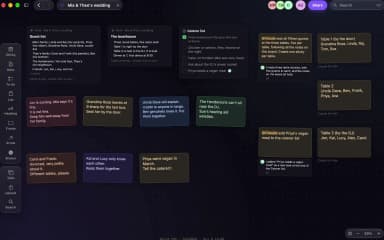
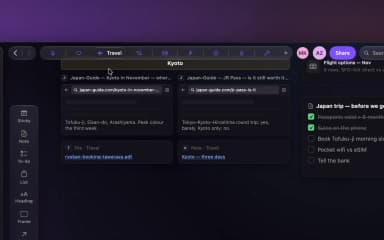
A sticky is just its words. Place one and type: headings, checklists, people, tags and links as you write, and font, size, colour and tape from the one bar over it.
Tentanote · 1:10 · Recorded 2 October 2026
Transcript
Let's add a sticky. I'll grab one from the toolbar, drop it here, and just start typing.
I'll give it a heading and make it bold. See the little stars? That's just Markdown. They show while I'm typing and disappear when I'm done. Checklists work too. Return gives me the next box, and Return on an empty one ends the list. If I type an at sign and a name, Dana's connected to this sticky. Hashtags work the same way, so I'll tag it camp. Any words can be a link, too. I'll select shade sail, hit Link, and paste in the store page. Up here I can change how it looks: a handwritten font, a bit bigger, and centered.
The color too. Let's go with pink. And I'll tape it down so it doesn't get moved by accident. Tape also affects what Tentanote remembers, but that's for another video. When I'm done, I just hit Escape. And I can tick things off right on the board. To add more, I double-click and keep typing.
That's pretty much it for stickies. Thanks for watching.