A member portal, and the system that lets it keep growing
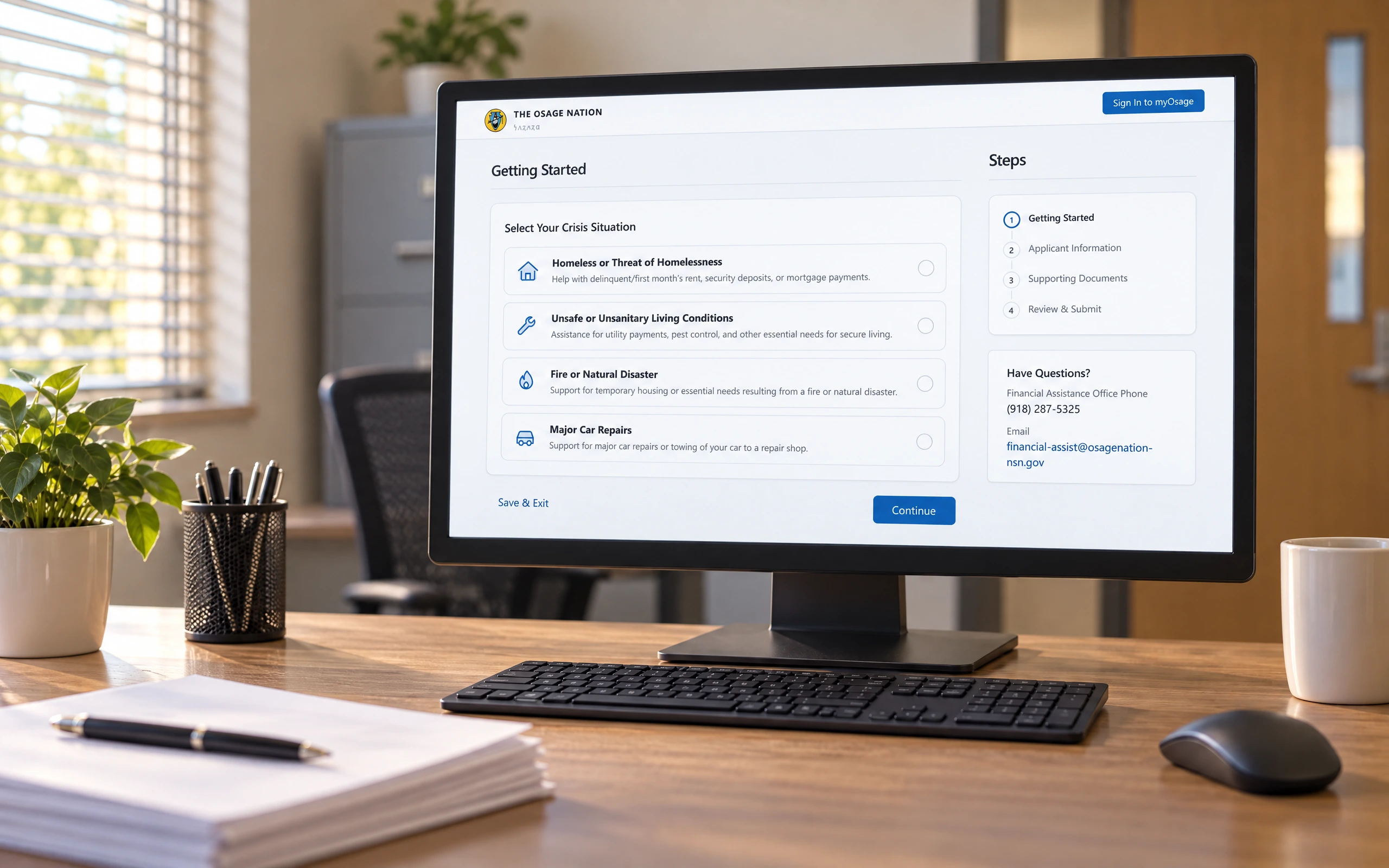
Osage Nation members needed energy assistance, crisis support, and membership services, but the path to each was fragmented and slow — hardest to navigate exactly when a member was already in crisis. People reach for these services on some of the hardest days of their lives, and every extra step sat between a person and help they urgently needed.
myOsage brings those services into one member portal, backed by a design system so the Nation can keep adding programs without rebuilding the experience each time. I led the service design and the system underneath it — simplifying intake, reducing barriers, and making critical help reachable when it's needed most.
Role
I led the service design and design-system work — mapping member journeys across programs and building the components and patterns that keep the portal consistent as it grows.
The full journey from finding a program to tracking it is walkable in one sitting.
What a member facing eviction actually does, start to finish.
The worst day, end to end
The whole path is walkable in one sitting. A member facing an eviction notice finds the program from the front page, names the situation in plain language, works through a form broken into steps for exactly this moment, and can see where the application stands every day after. No office hours, no printing, no starting over.
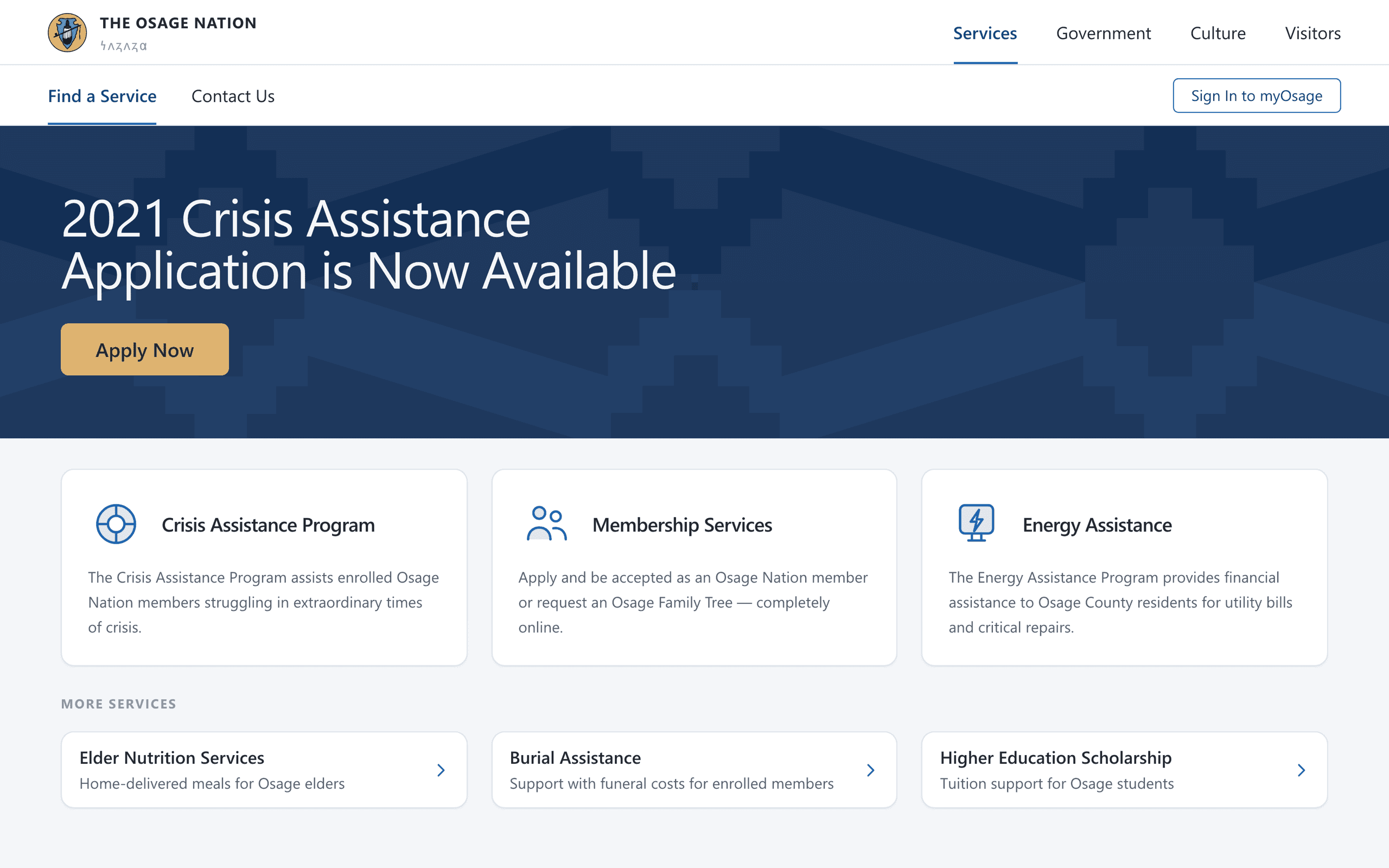
Programs that lived in separate offices are consolidated into a directory a member can scan.
Every program behind one door
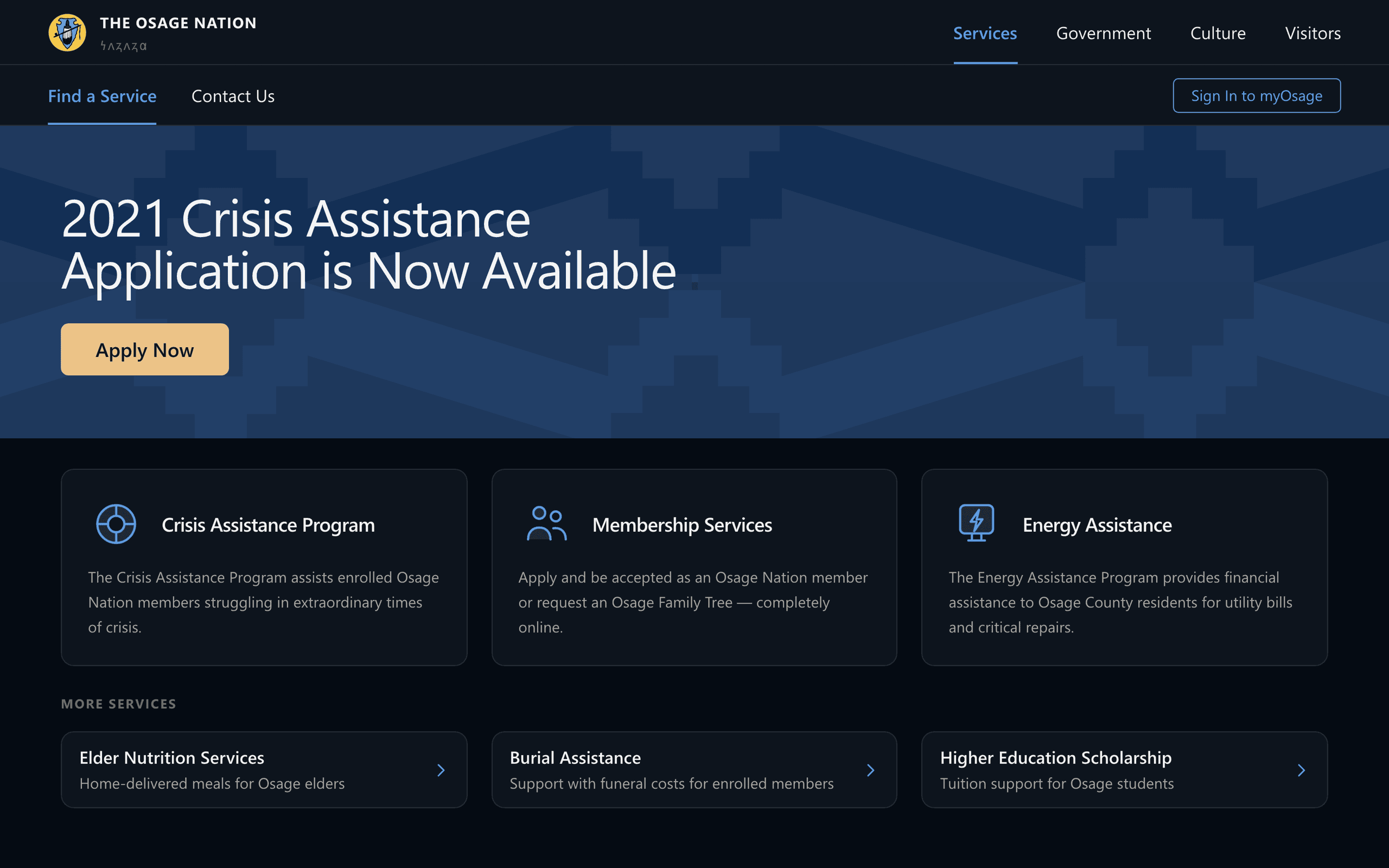
Crisis, energy, and membership services used to live in separate offices with separate paths. The portal starts with a directory a member can actually scan — each program stated in a sentence, with the one action that matters placed next to it. The Nation's own identity carries the page: the seal, the deep navy, gold reserved for the moment you act.
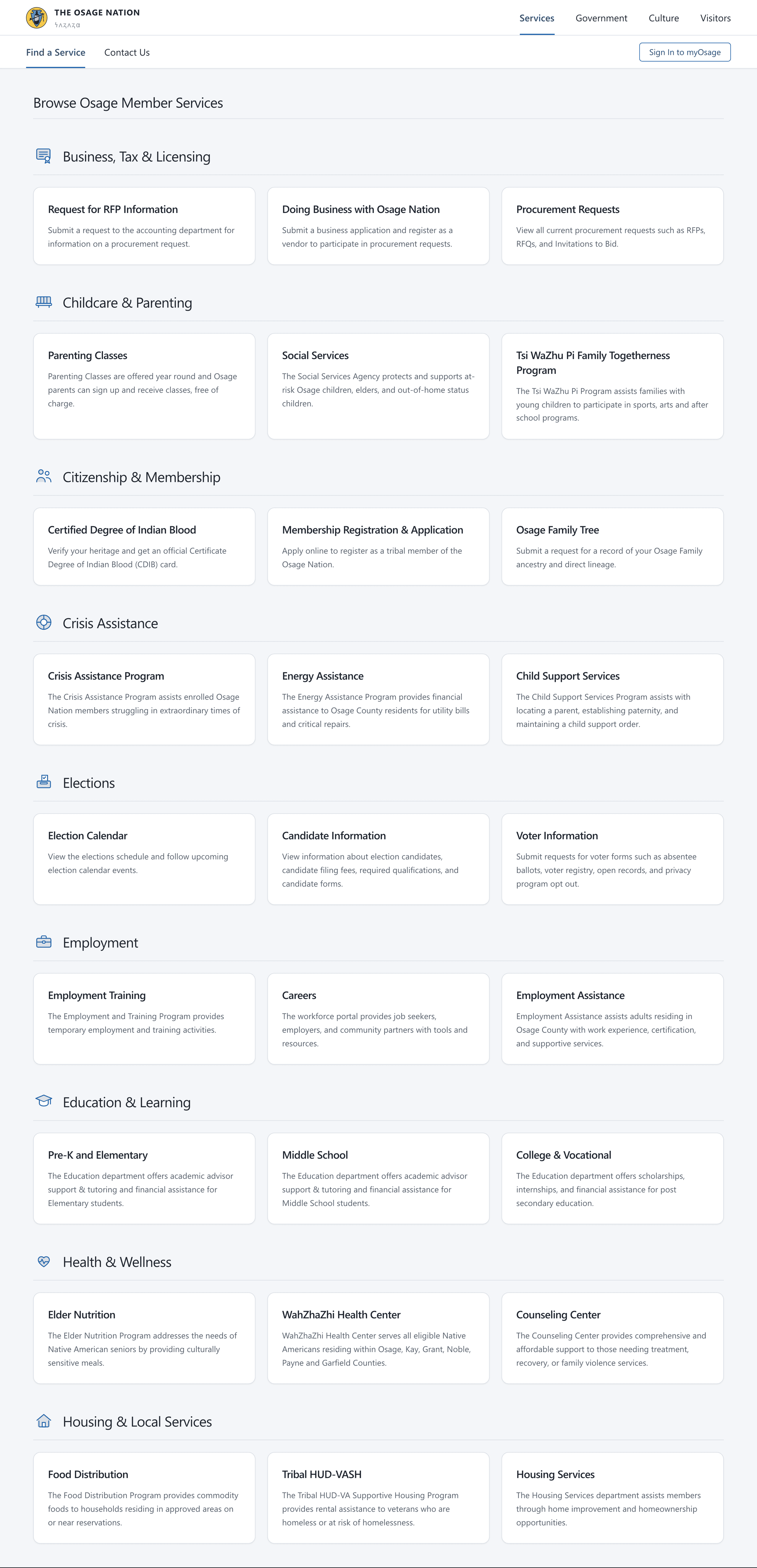
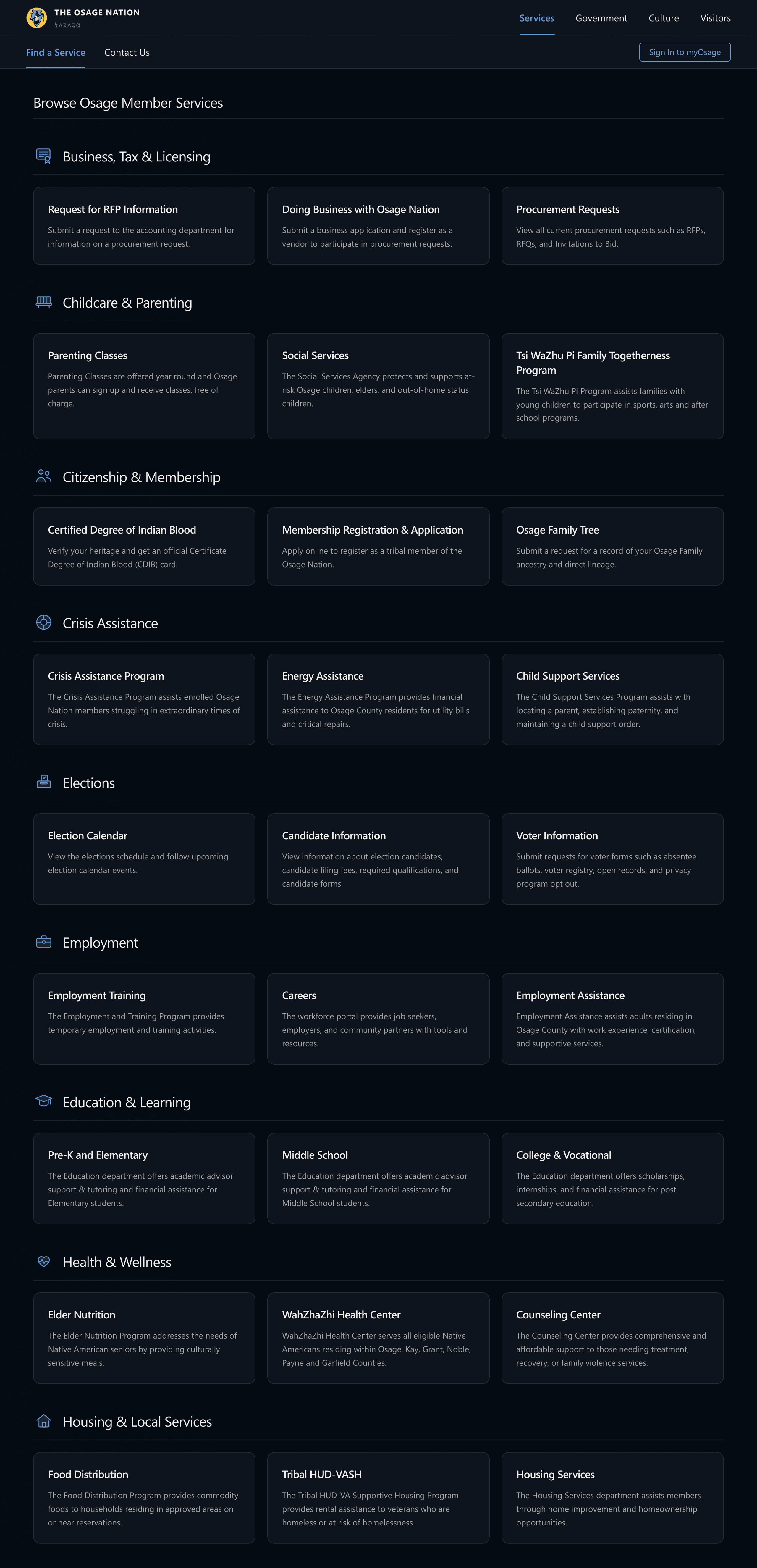
Fig. 01The catalogue underneath: programs filed under nine plain-language categories — Crisis Assistance, Housing & Local Services, Citizenship & Membership — rather than under the department that administers them.
The application is written for someone in crisis — plain language first, and every required document named before the form starts.
Plain language before paperwork
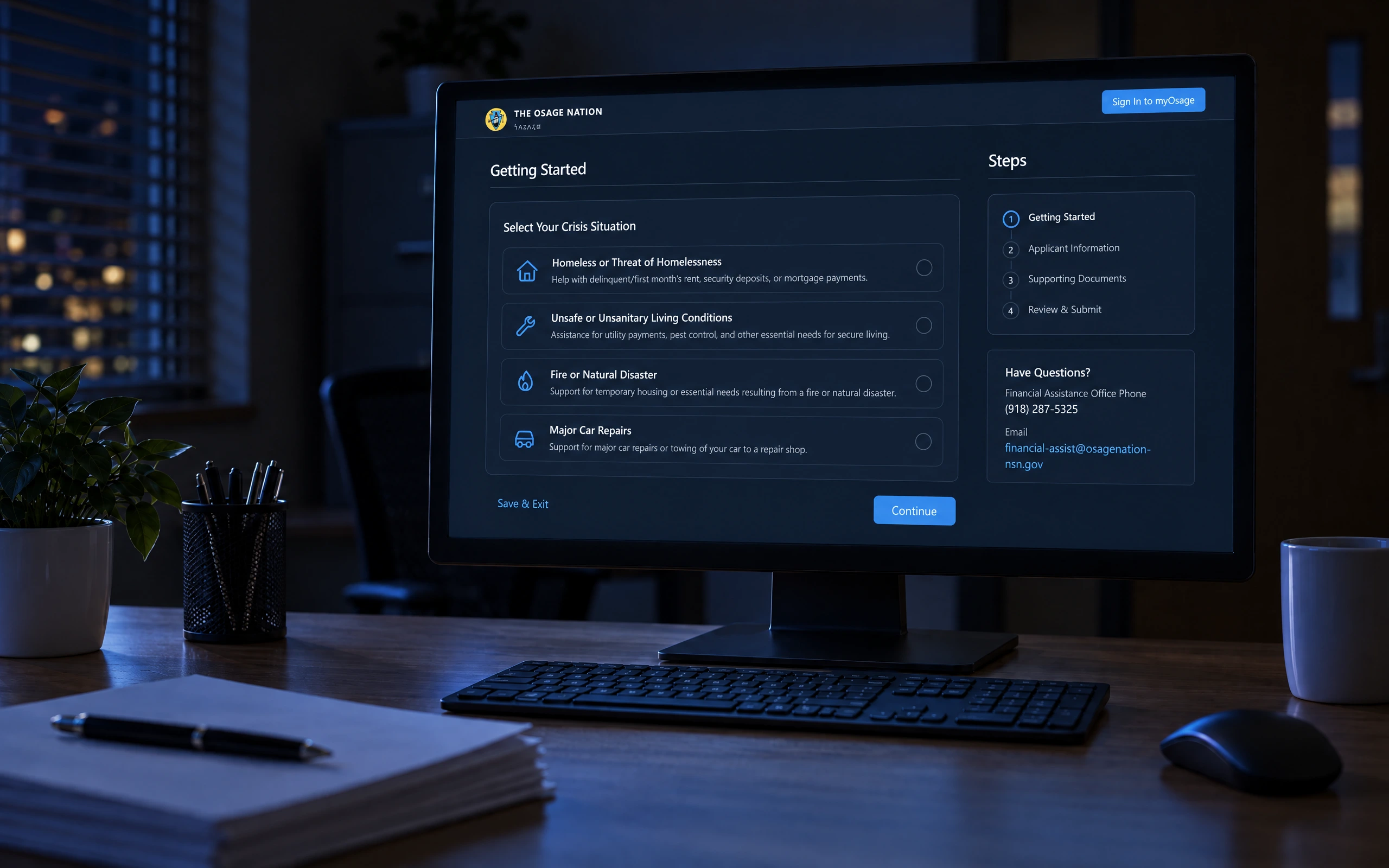
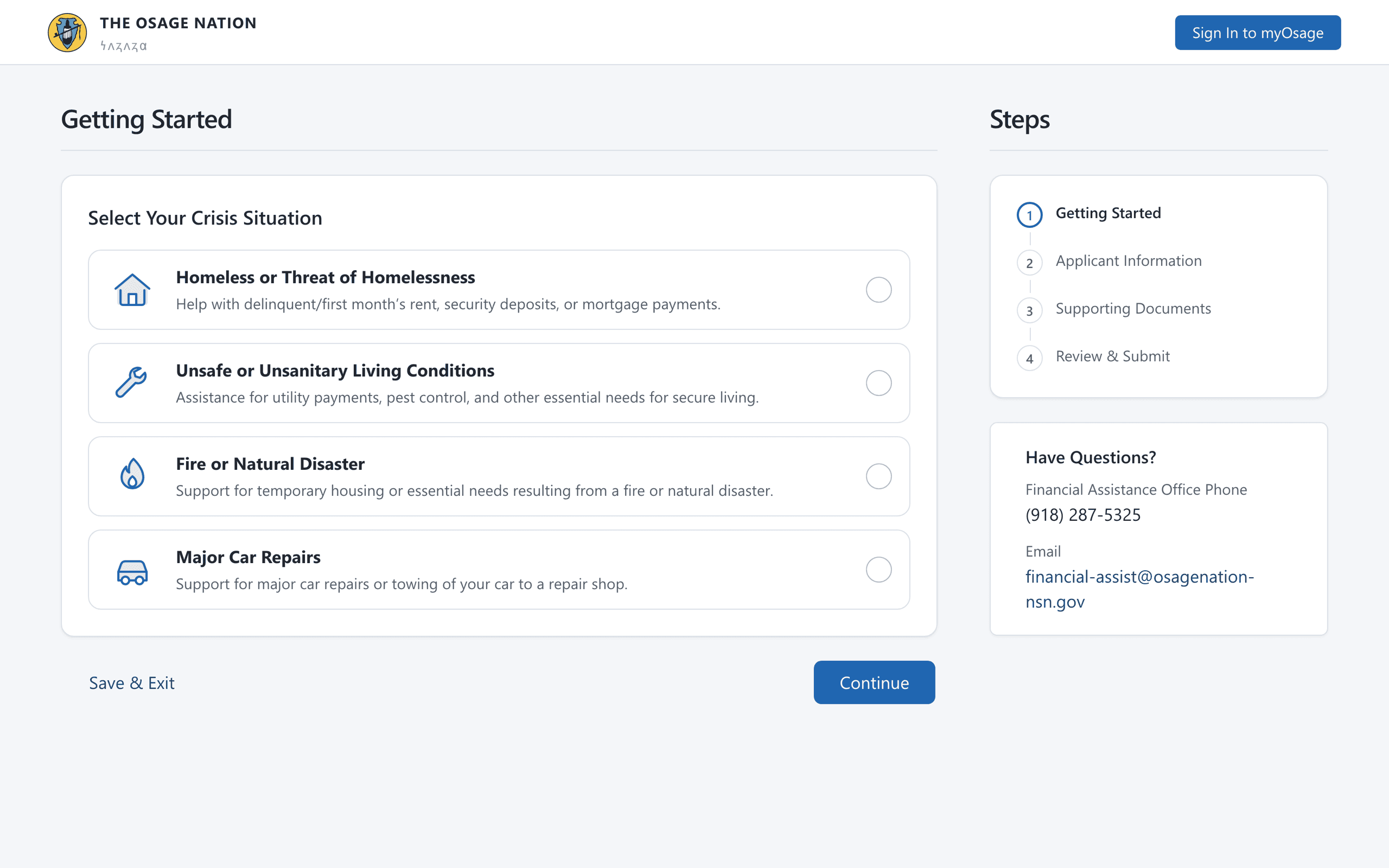
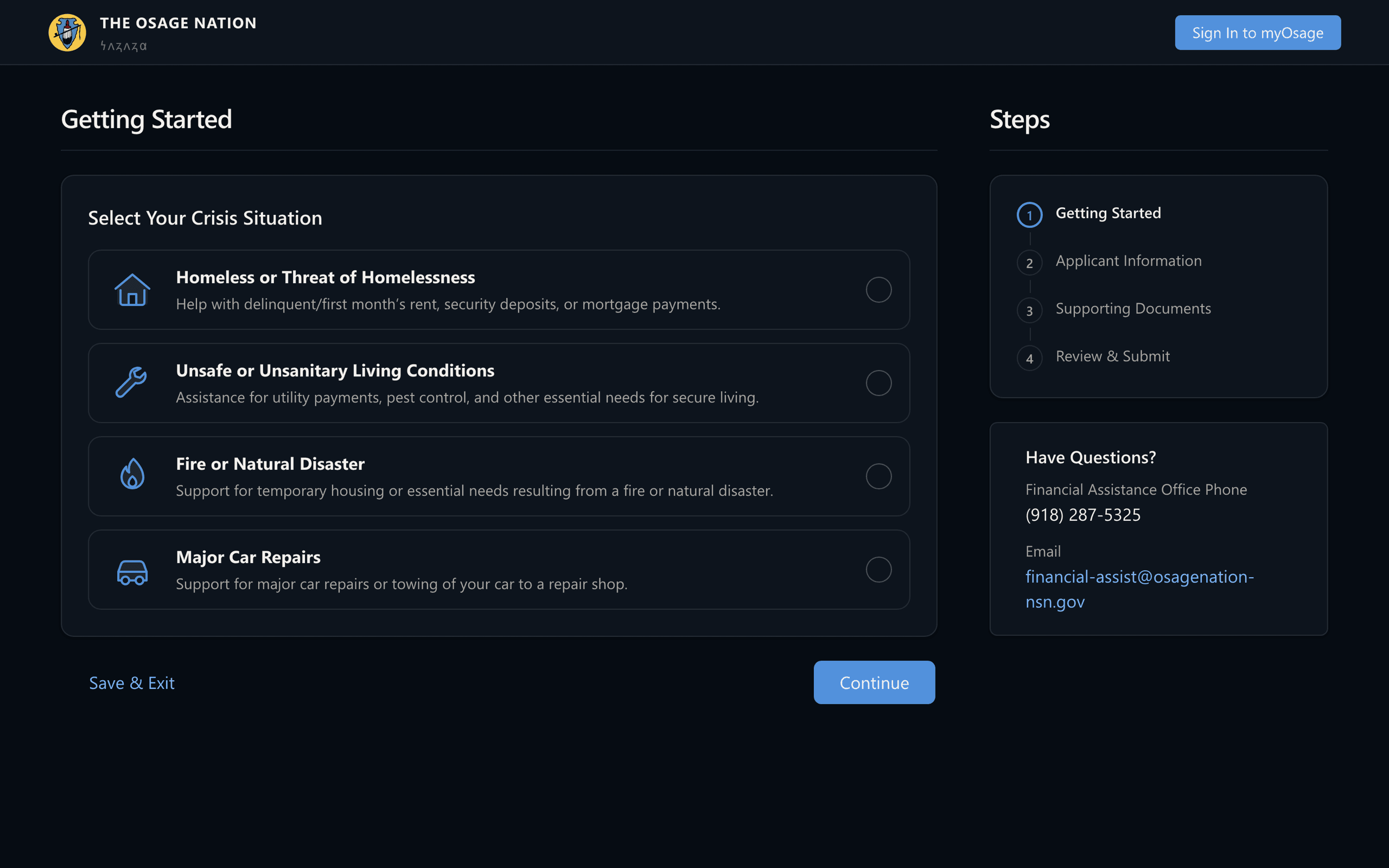
Crisis intake opens by asking what happened, not for a case number. Four situations, described in the member's own terms — rent, unsafe housing, fire, a car that won't start — each a single choice rather than a form field. The steps panel keeps the whole journey visible from the first click: four steps, and you always know which one you're on.
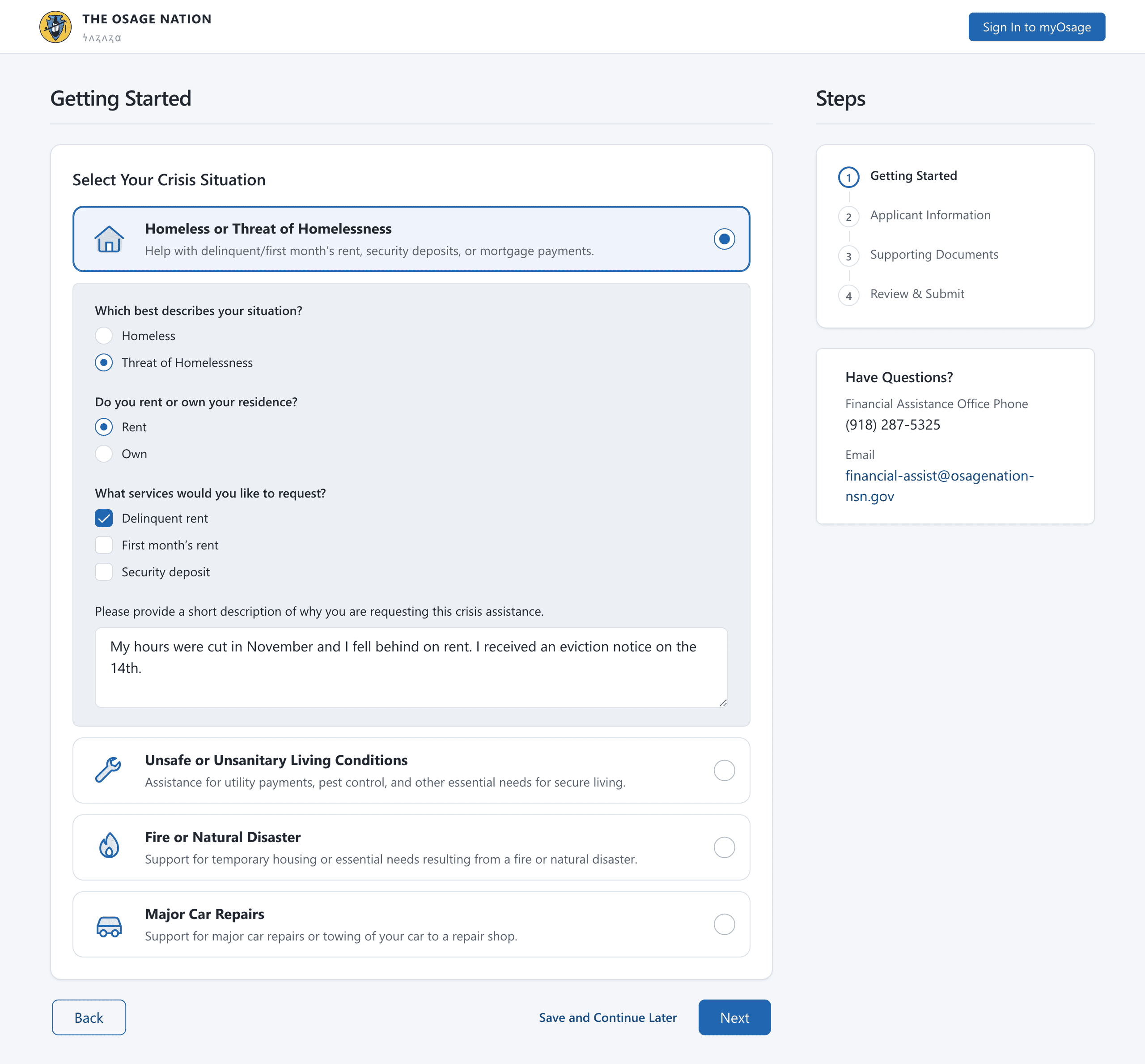
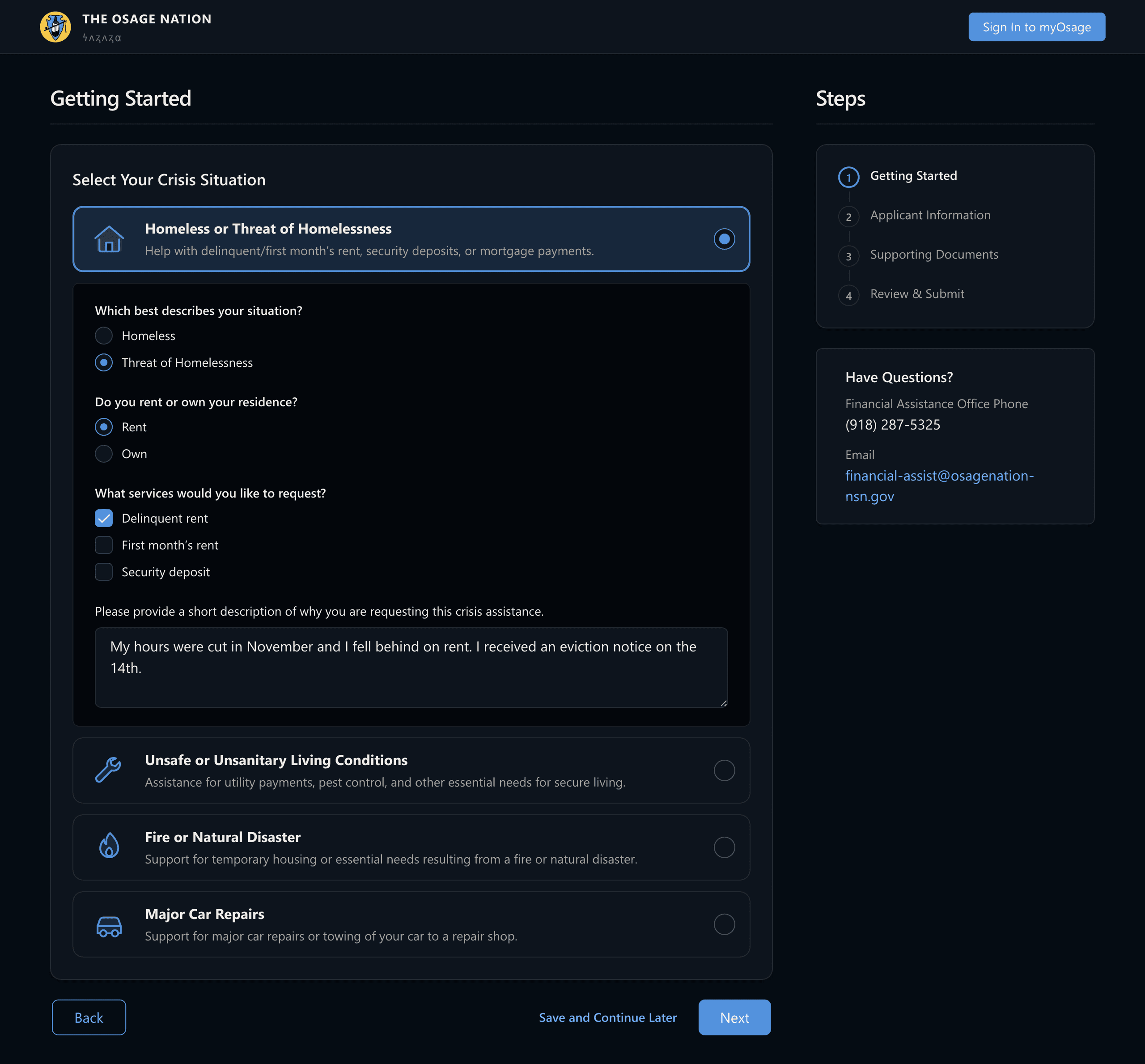
Fig. 02Choosing a situation does not advance the wizard; it opens the handful of questions that situation needs — renting or owning, which costs need covering — and ends with a box for the part no radio button can hold.
What to gather, told once
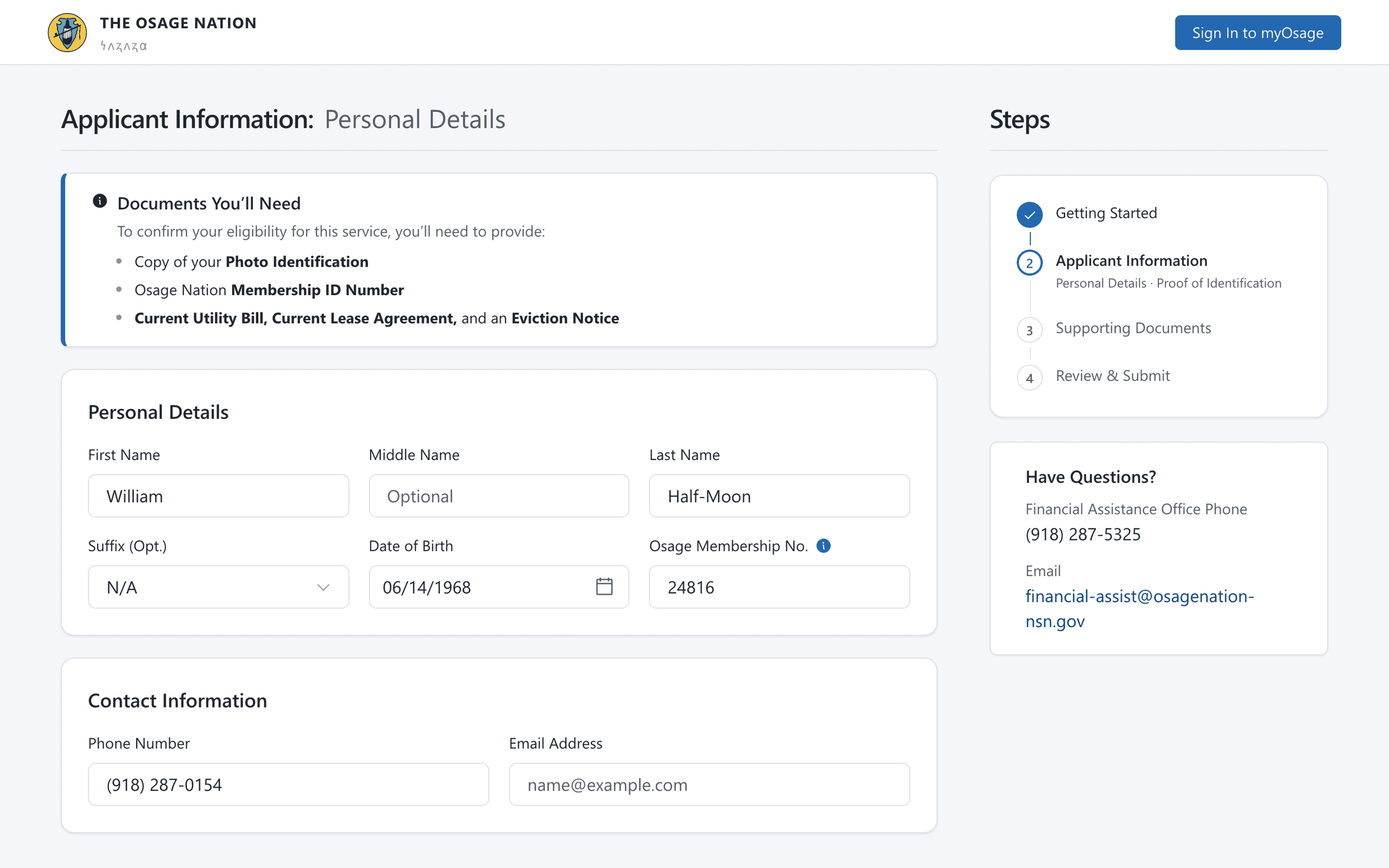
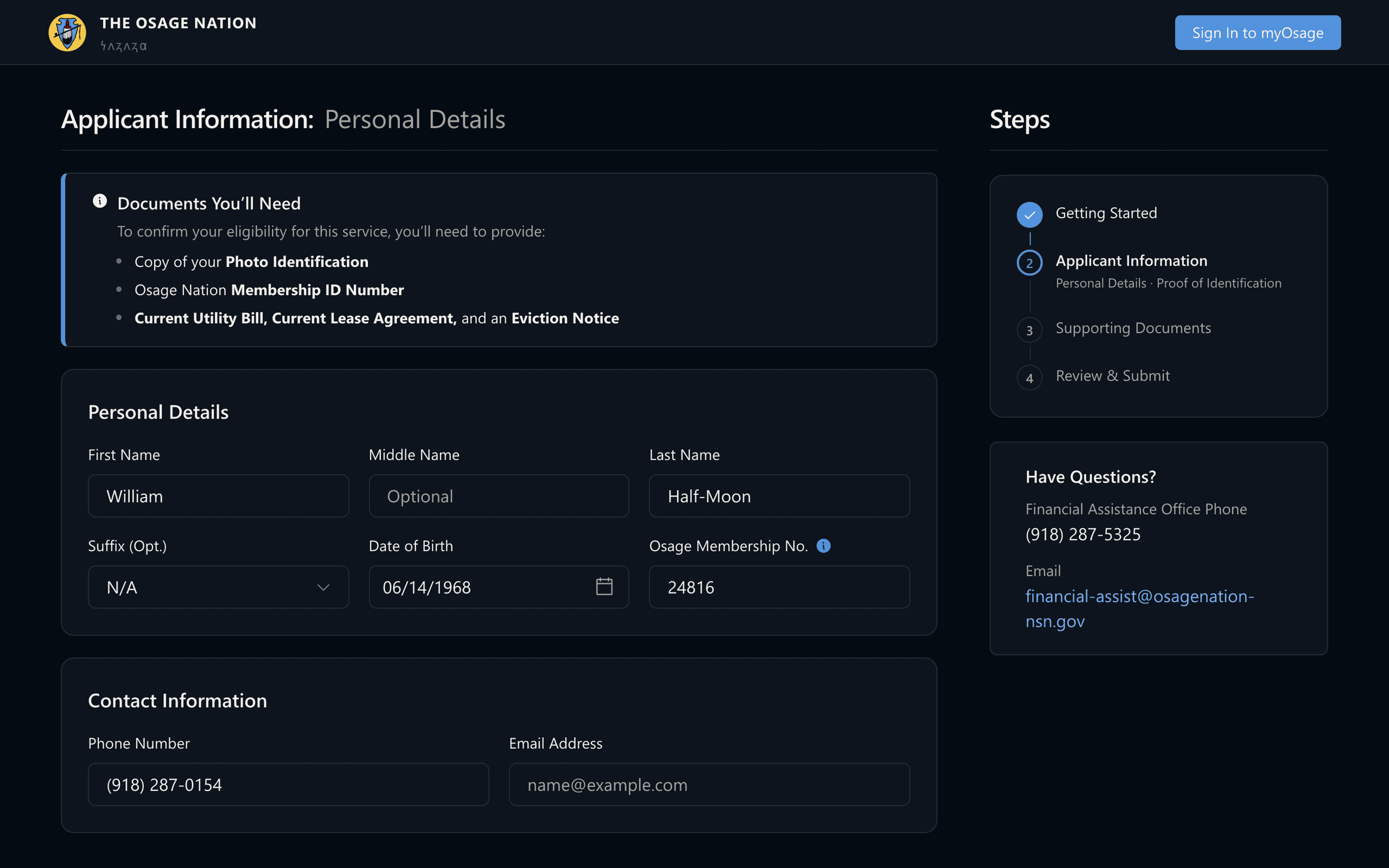
The fastest way to lose someone mid-application is to surprise them with a document they don't have. Documents You'll Need sits at the top of the step it belongs to — photo ID, membership number, the utility bill and eviction notice — so a member gathers everything once instead of being sent back to the start. The fields themselves stay deliberately plain: high contrast, generous targets, nothing clever.
Those answers do more than route the form; they decide the paperwork. Rather than publishing one long roster of everything the program has ever asked for, the third step assembles the list this particular applicant actually owes, and gives each document its own named well with an example of what counts.
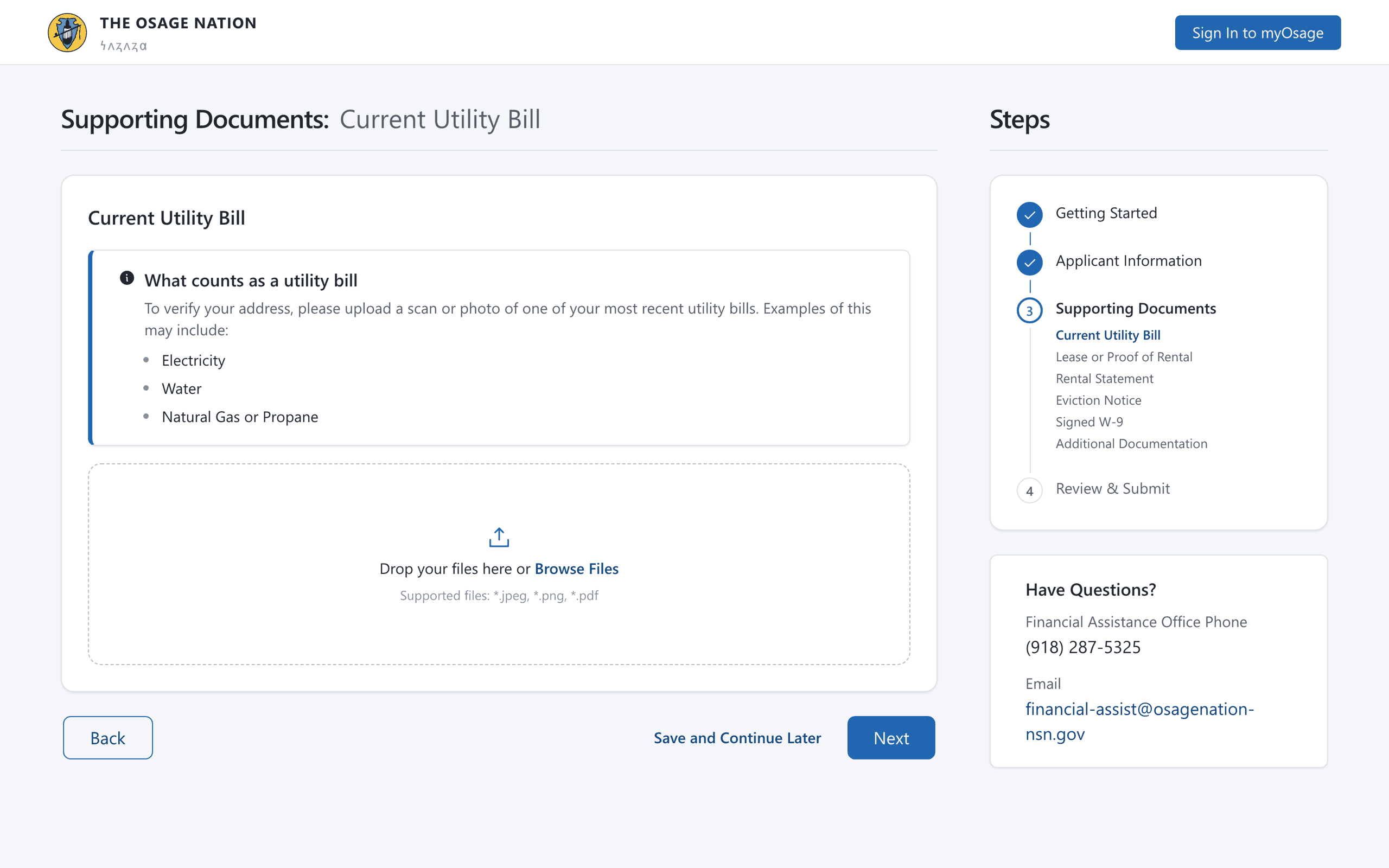
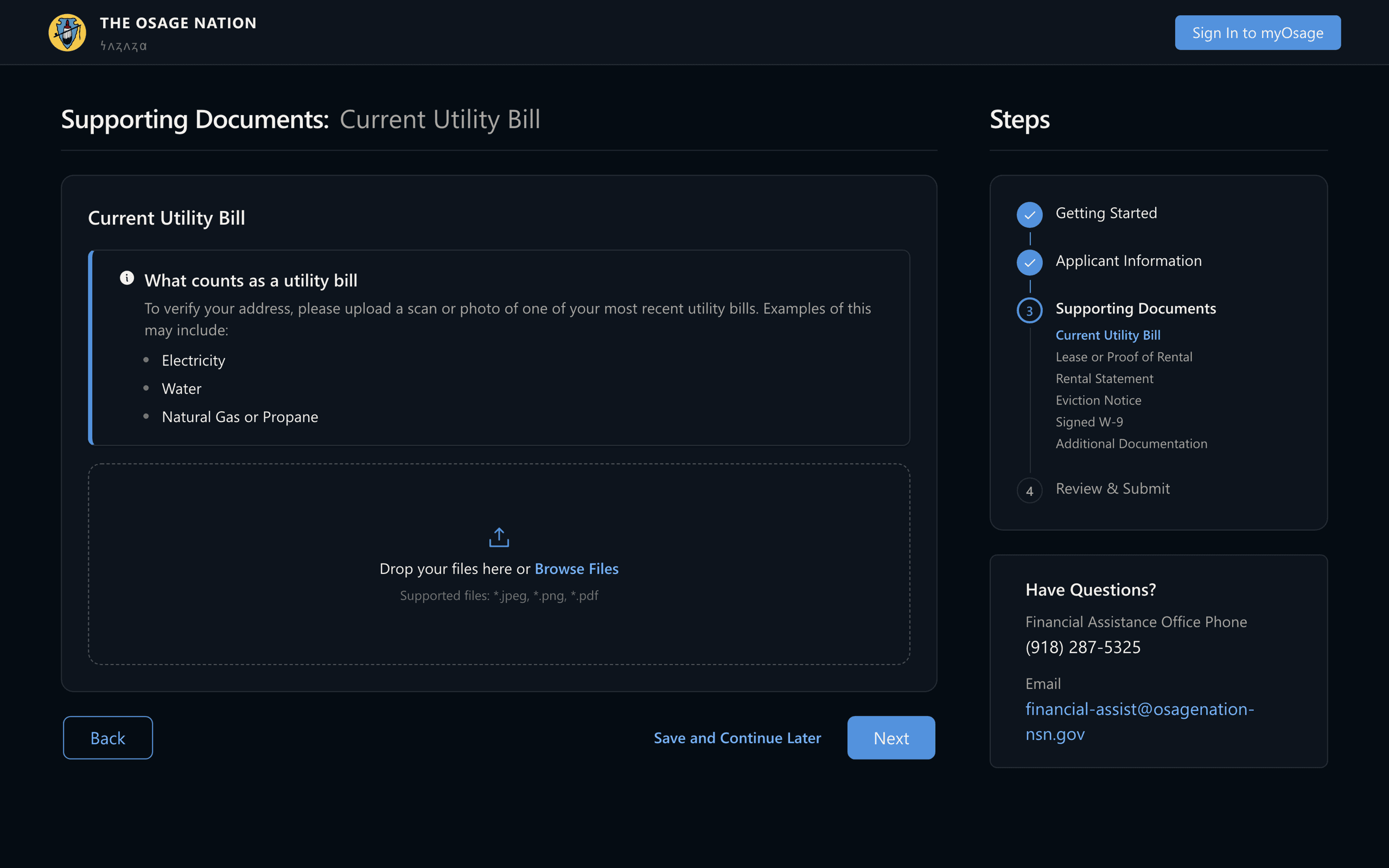
Fig. 03Someone applying for help with delinquent rent gets exactly their list in the rail — utility bill, lease or proof of rental, rental statement, eviction notice, signed W-9 — instead of one anonymous upload box for the set.
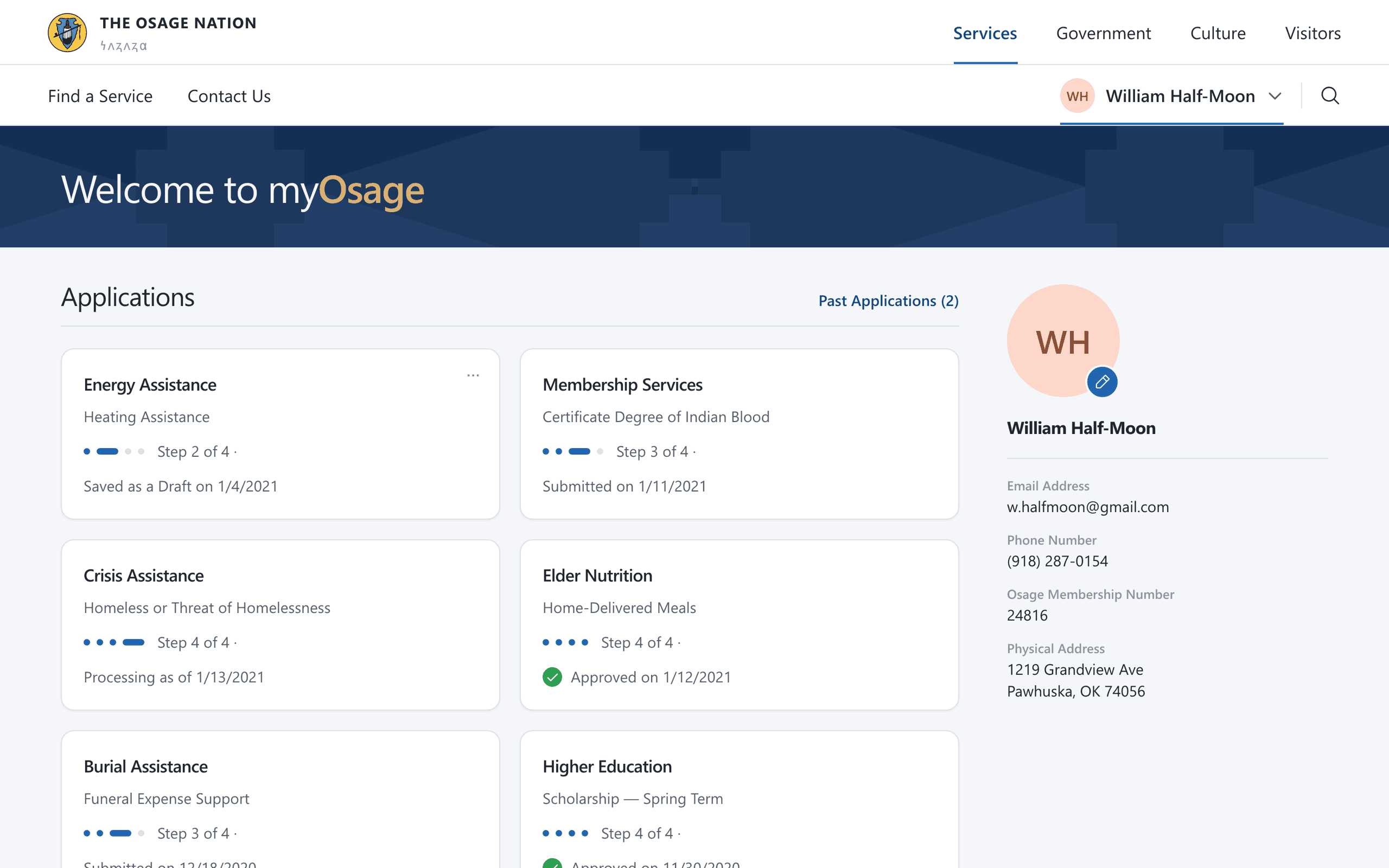
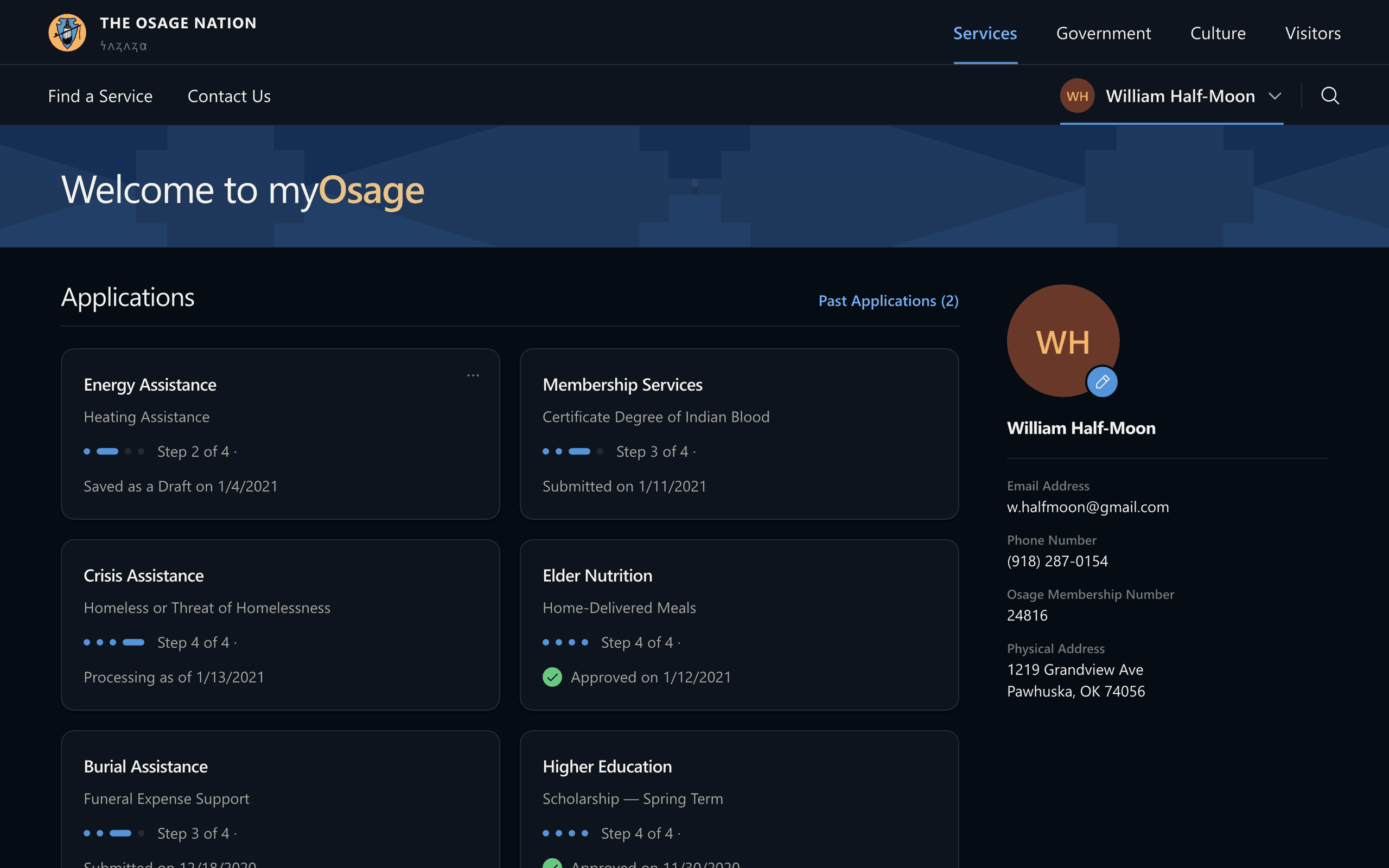
Status stays visible after submission so members don't have to call to find out where they stand.
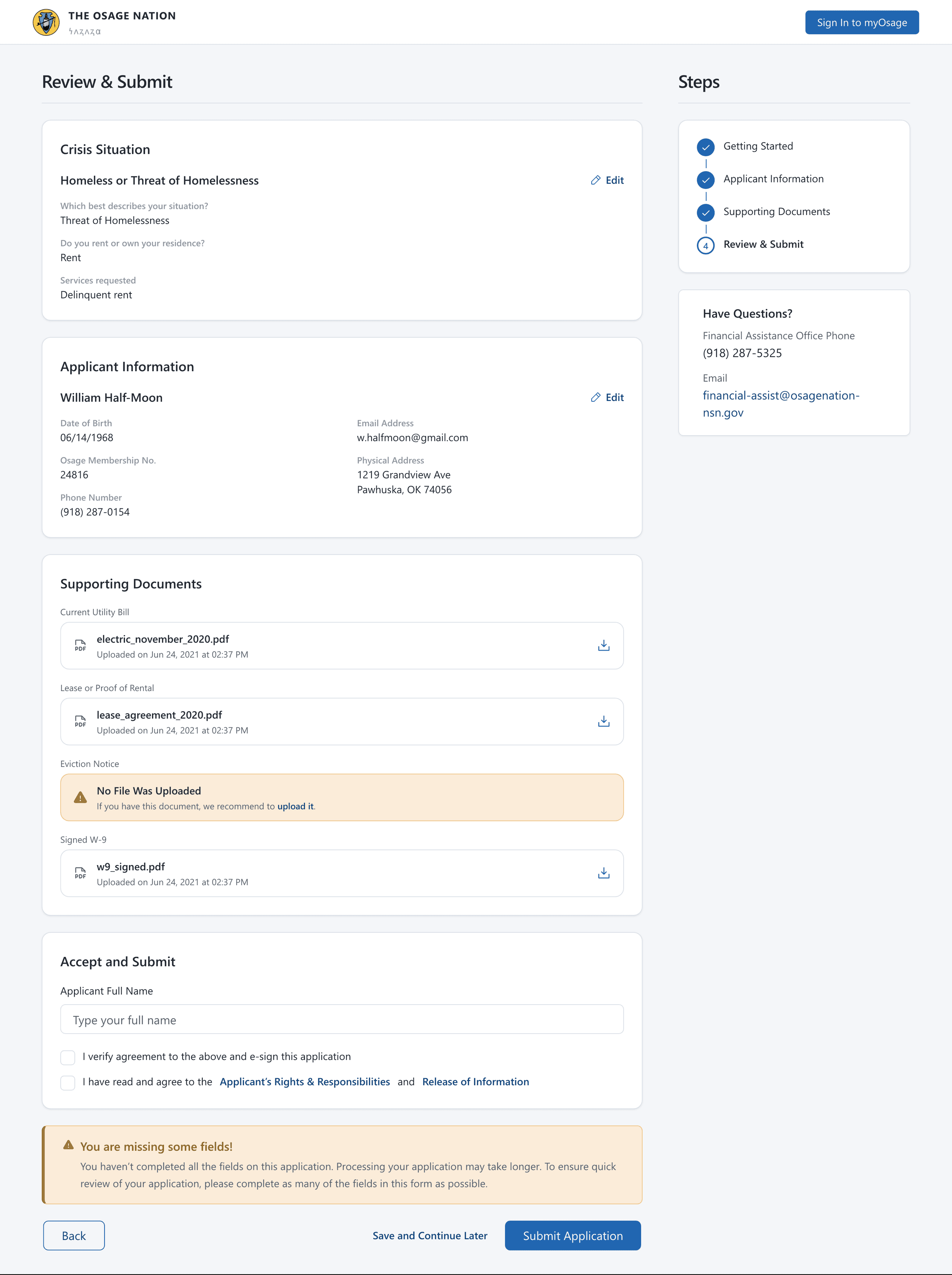
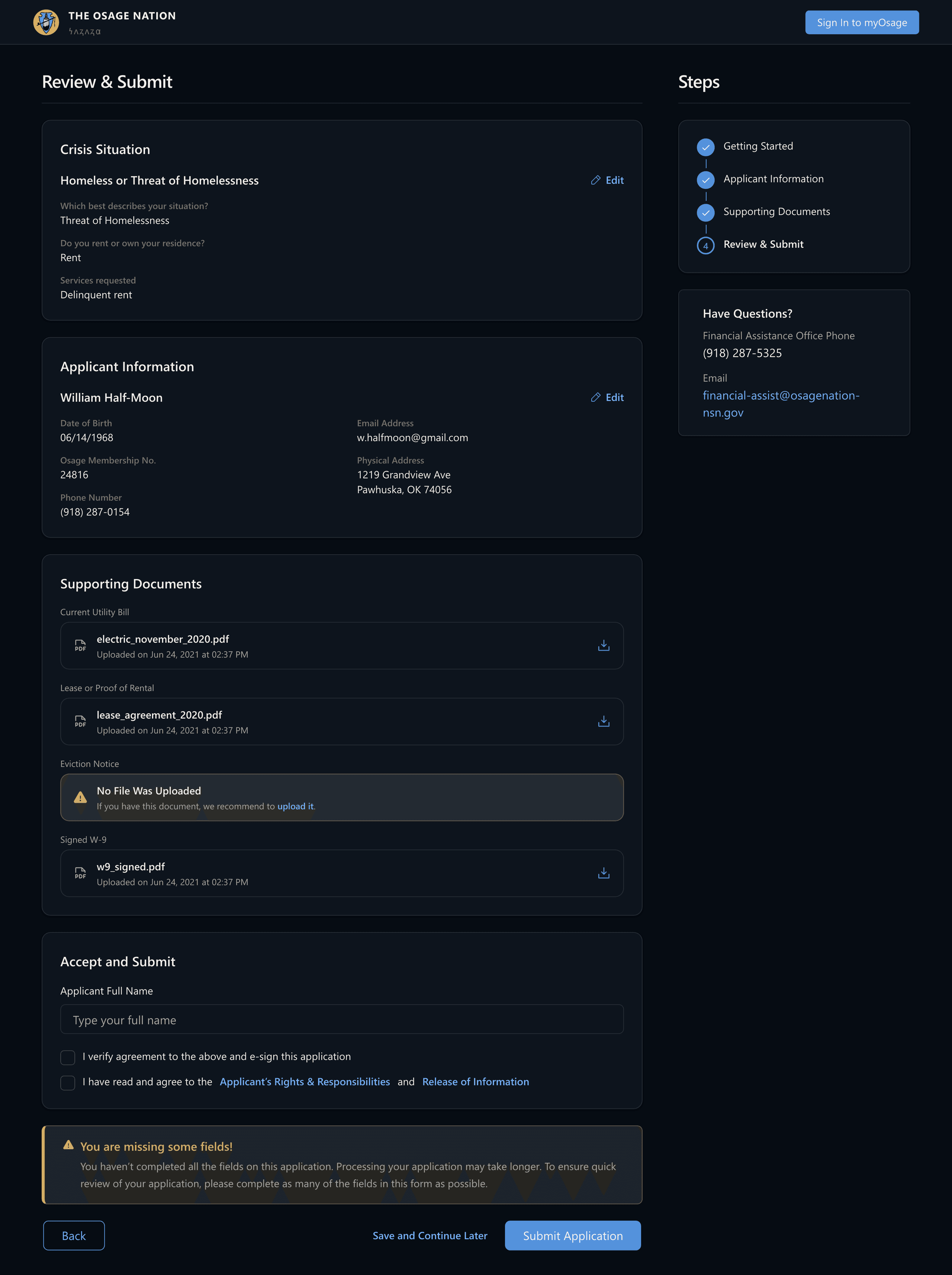
Fig. 04Review warns instead of blocking. A document that never arrived is named in the place it belongs, the consequence is stated plainly — processing takes longer — and Submit Application stays live, because an incomplete application that reaches an advocate beats a perfect one abandoned at midnight.
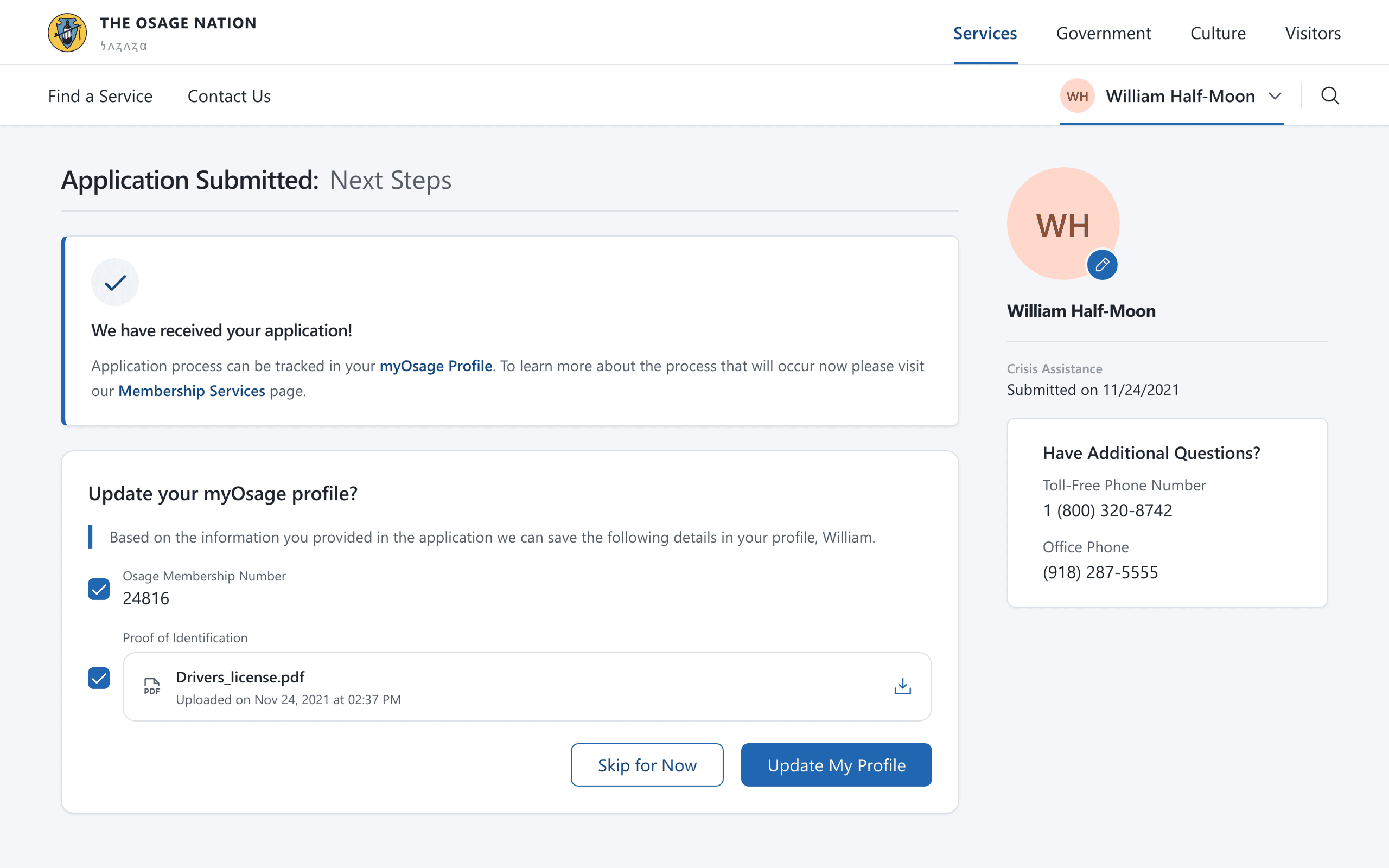
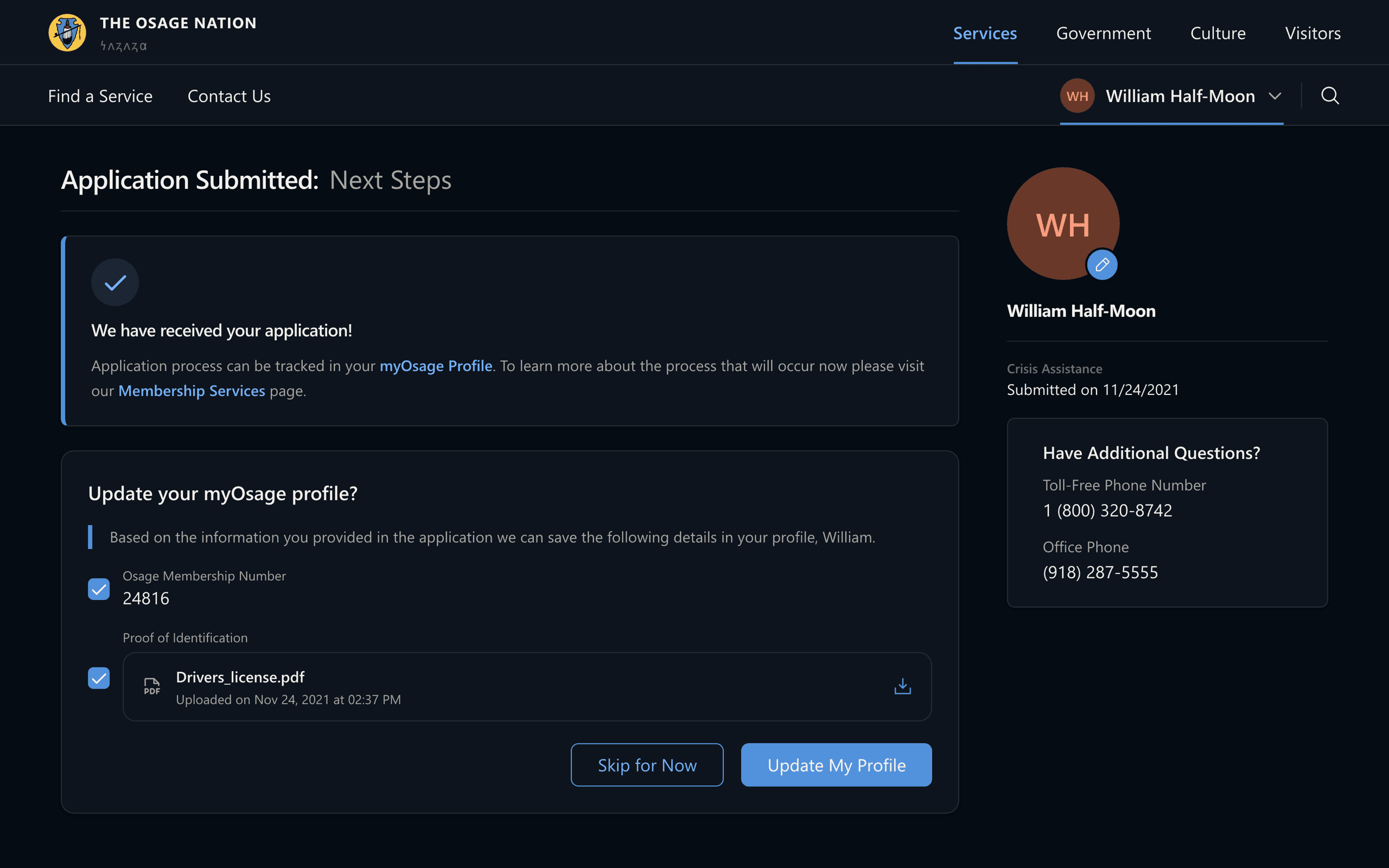
Fig. 05The receipt says what happens next and where to watch it, then asks whether to keep what was just typed. That offer is what makes the next application open half-filled instead of blank.
It doesn't go dark after submit
Submitting used to mean waiting and wondering. Every application shows as a card with a four-segment progress bar and a dated status — saved as a draft, submitted, processing, approved — so members see movement without calling the office. The same view holds their profile, so the record the Nation has is the record the member can see.
Beneath the portal is a design system that lets the next program launch without a rebuild.
The clearest evidence that the intake is a system rather than a form is what happens when a different program uses it. Energy Assistance and the CDIB application ask completely different questions, and neither needed a new flow — only a different set of steps and a different list of documents at the end of them.
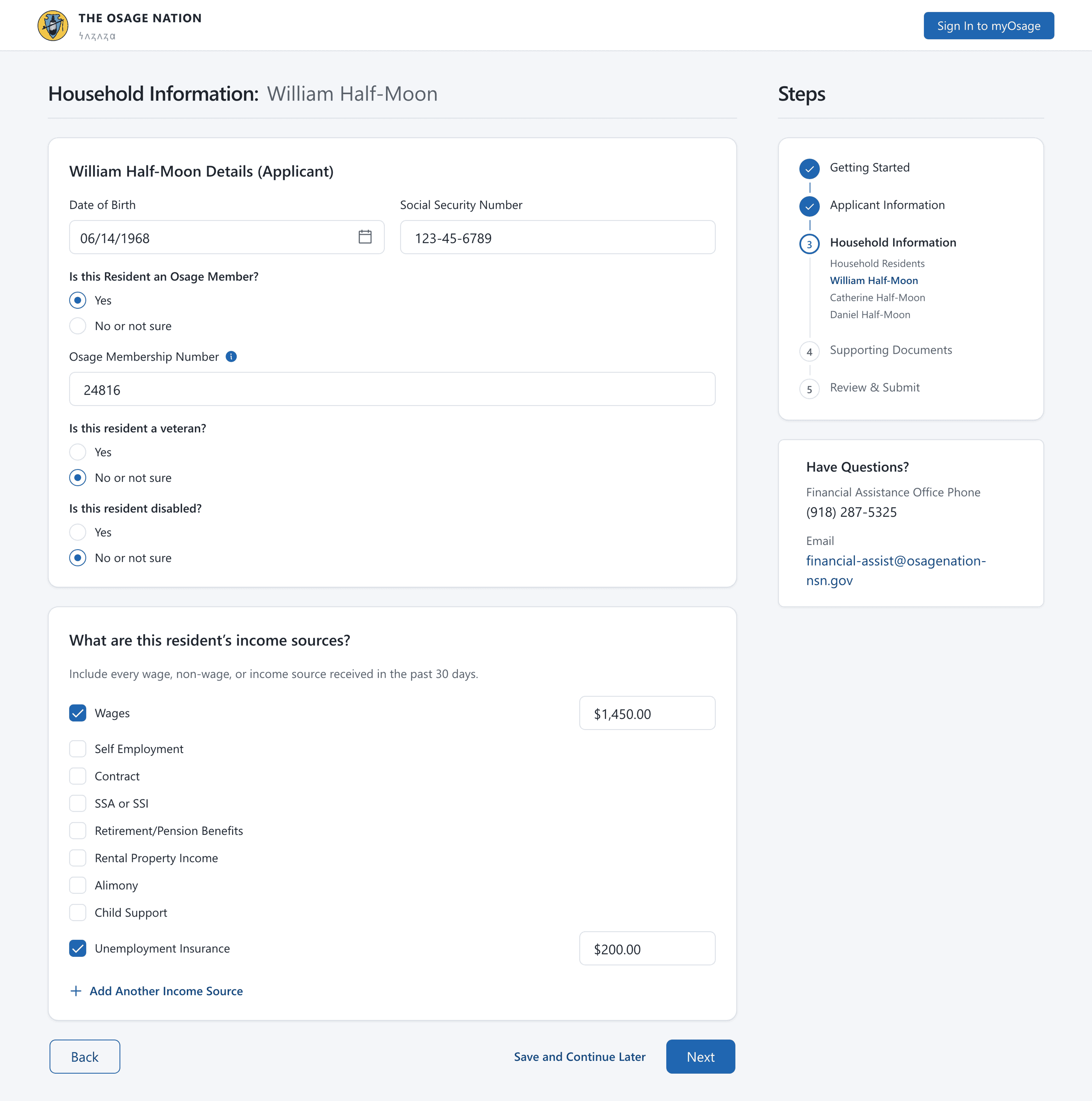
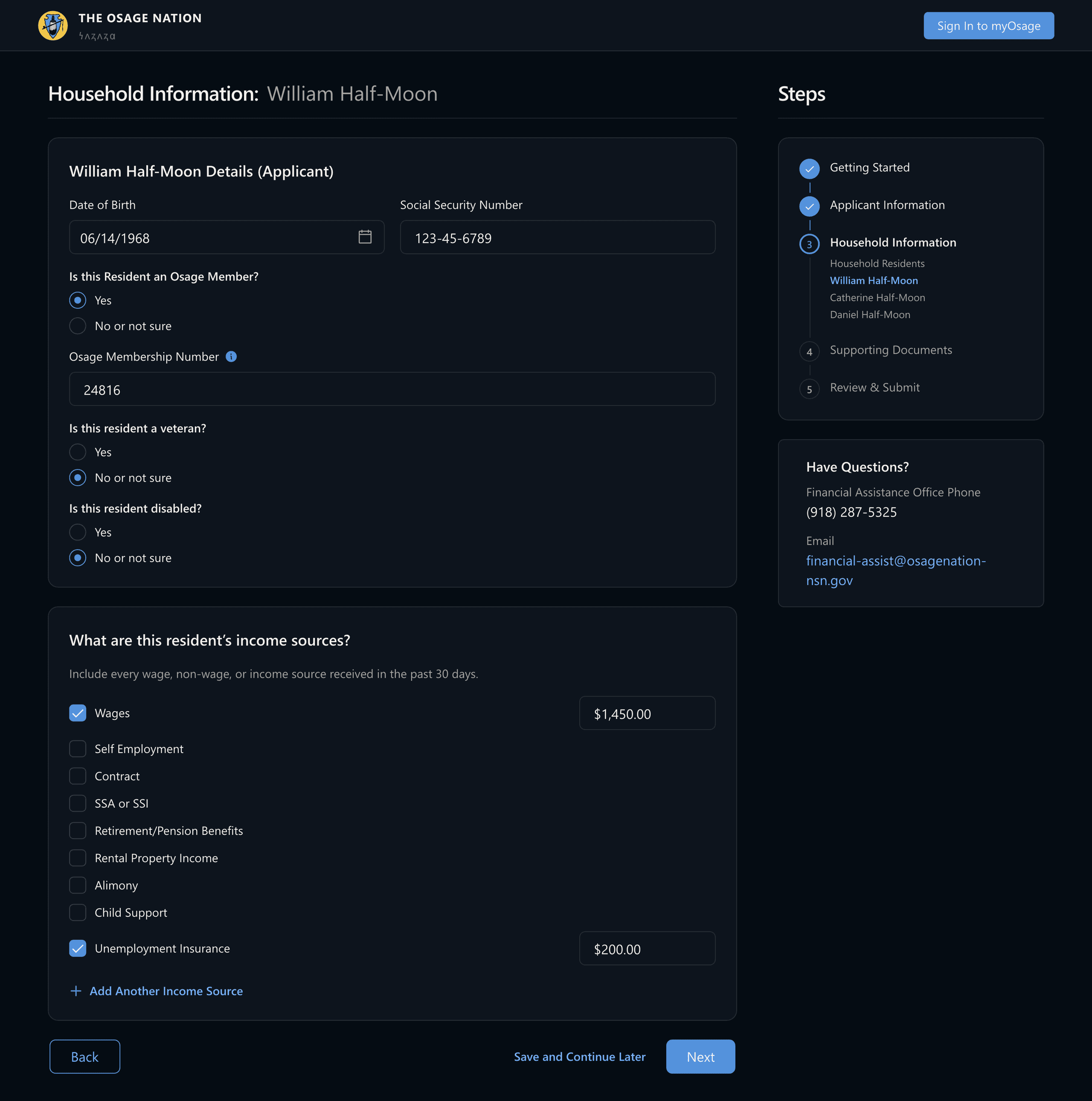
Fig. 06Energy eligibility is a household question rather than an applicant one, so each resident is entered once and in full, and every income source carries its own last-30-days amount. Nobody is asked to total their own household income.
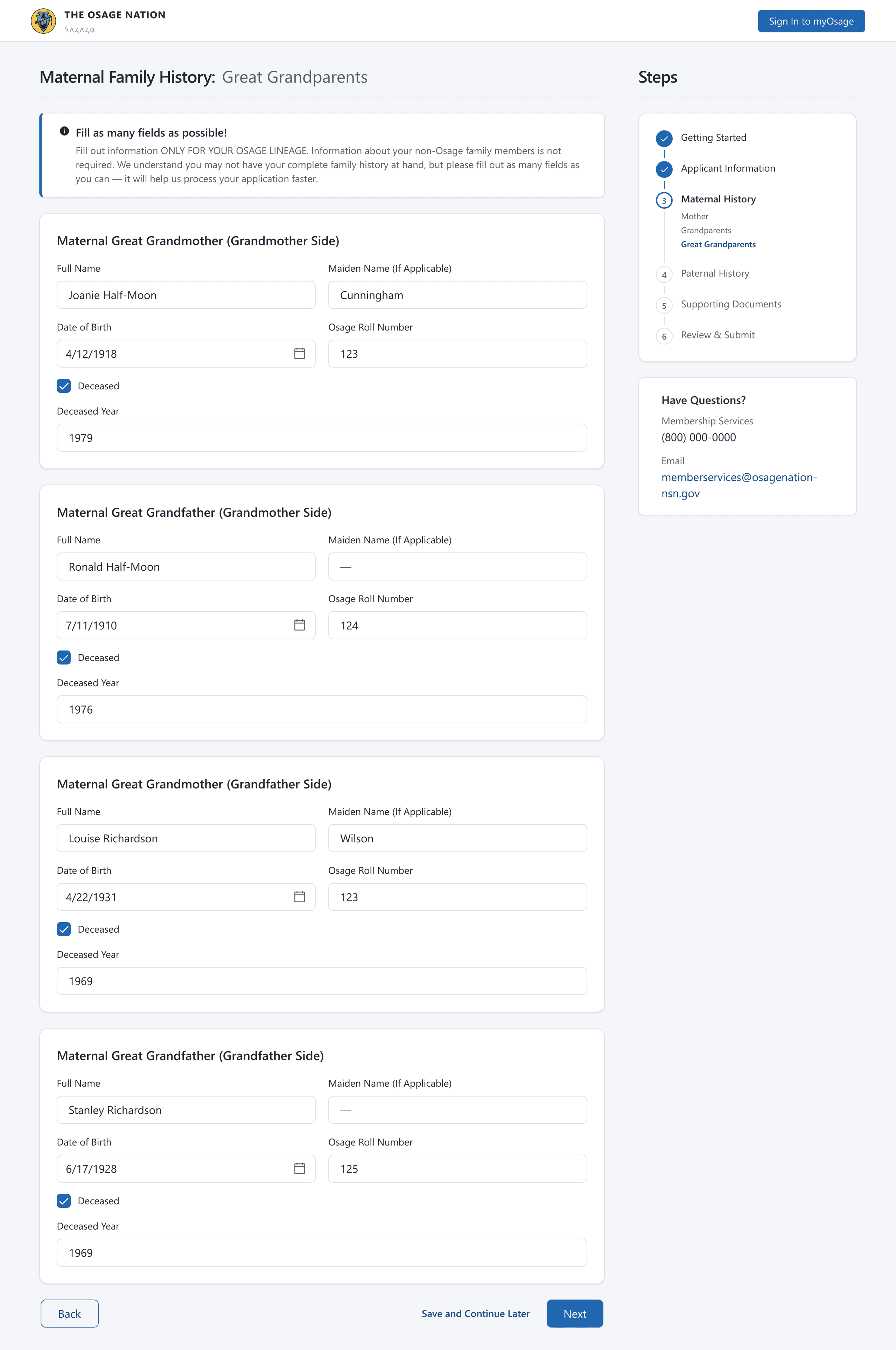
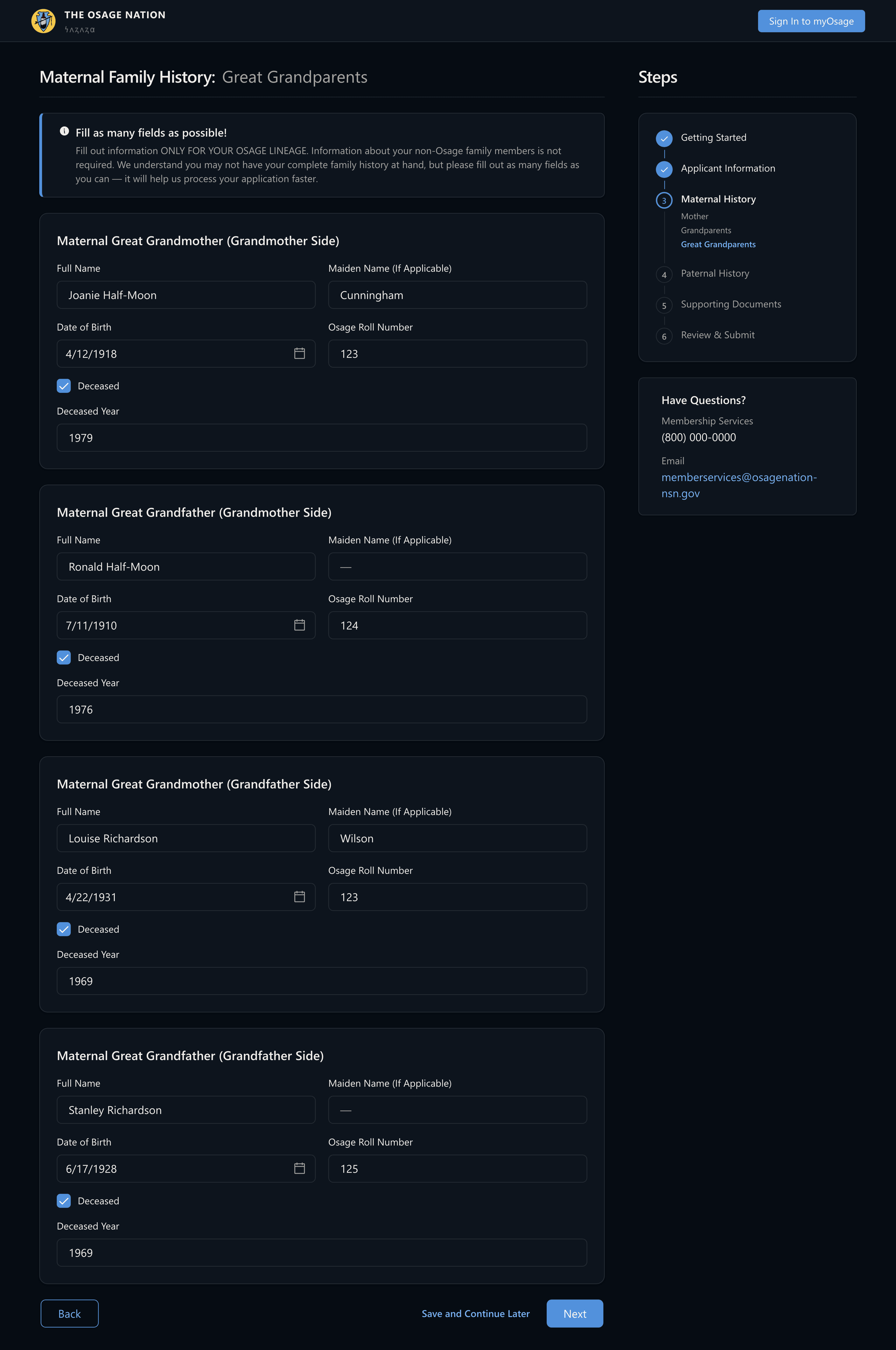
Fig. 07Enrolment turns on documented lineage — four ancestors a step, each with an Osage roll number. The instruction that makes it survivable leads the step: fill in only the Osage side, and as many fields as you have.
Built so a small team can keep going
The portal is the visible half of the work. Underneath is a design system — contrast-tuned color ramps, a strict 1.2-ratio type scale, and the wizard, card, and panel patterns every program shares — anchored in the Nation's own identity. When the next program comes, it launches on parts that already work instead of a rebuild.
What shipped
Unified crisis, energy, and membership services into a single myOsage portal.
Designed crisis-assistance intake as a guided, step-by-step flow built for high-stress moments.
Built a design system so new programs launch on a consistent, accessible foundation.
Gave members a clear account view to track every application's status.
Selected decisions
- 01
Designed a guided application wizard — Getting Started, Applicant Information, Supporting Documents, Review & Submit — that breaks a daunting form into clear steps.
- 02
Told members exactly what to gather up front with a Documents You'll Need panel, so people aren't sent back to the start mid-application.
- 03
Gave each member a dashboard with live application status — draft, submitted, processing, approved.
- 04
Anchored the system in the Nation's identity for a portal that feels official and trustworthy.